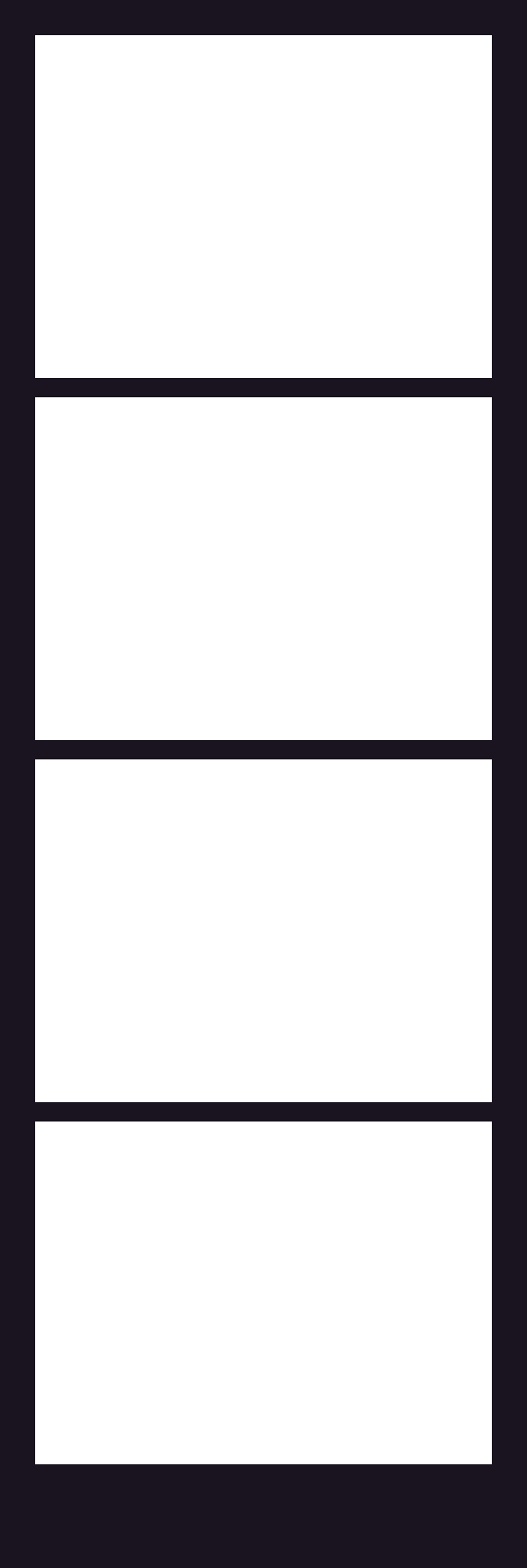
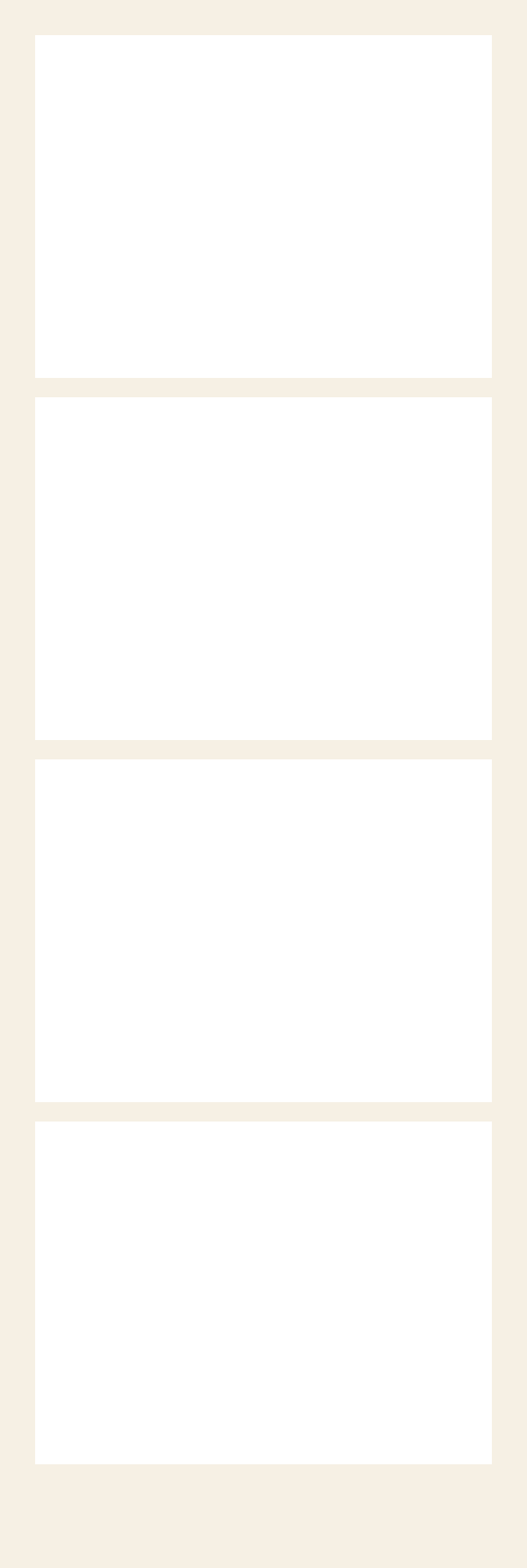
Four shots on a countdown, straight from your webcam or phone camera, laid out as a classic photo strip. Add a vintage filter, a date stamp and a caption, then save it. No app, no signup, and nothing is uploaded.
Free downloadNo watermarkWorks on phonesPhotos stay on your device
Want the strip on real film? Each of the four shots prints on genuine Fujifilm Instax Square film and we mail them: 5 for $22, free US shipping, ships in 2 business days.
Each shot becomes a genuine Fujifilm Instax Square print. 5 for $22, free US shipping.
How the online photo booth works
Open the camera. Your browser asks once. On a phone it uses the front camera; on a laptop, the webcam. Nothing is recorded or sent anywhere.
Press the shutter. A 3-second countdown (or 5 if you need more time), a flash, and the first shot is taken. It repeats four times. Change your pose between each one.
Pick a layout and a look. The classic 2 × 6 strip, a 2 × 2 grid or a filmstrip; a white, black or coloured frame; six filters; a retro orange date stamp like a 2000s digital camera.
Download it. On a phone the share sheet opens so you can save it to Photos or send it straight to a friend. On a computer it downloads as a PNG you can print at 2 × 6 inches.
No camera, or want to use photos you already took? Tap Use photos from my camera roll instead and pick up to four. They go into the same strip with the same filters.
Photo strip layouts and sizes
Every layout uses 4:3 frames, the shape a real booth camera shoots, and exports at 300 dpi so it prints at actual size.
Classic strip
2 × 6 in, four shots stacked. The one from the booth at the mall, and the Korean 4-cut format that took over TikTok. Fits a phone case, a wallet or a mirror edge.
Grid
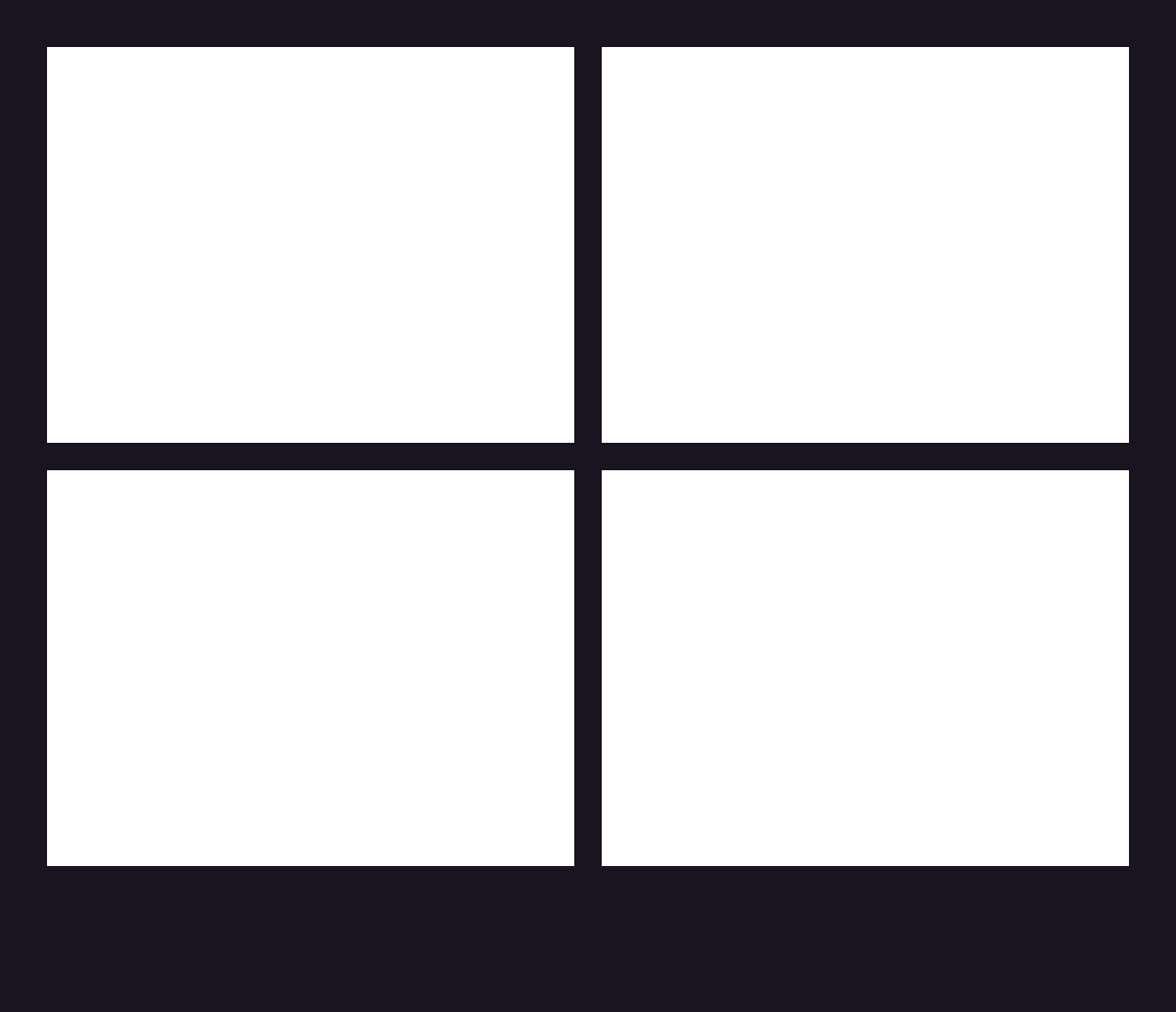
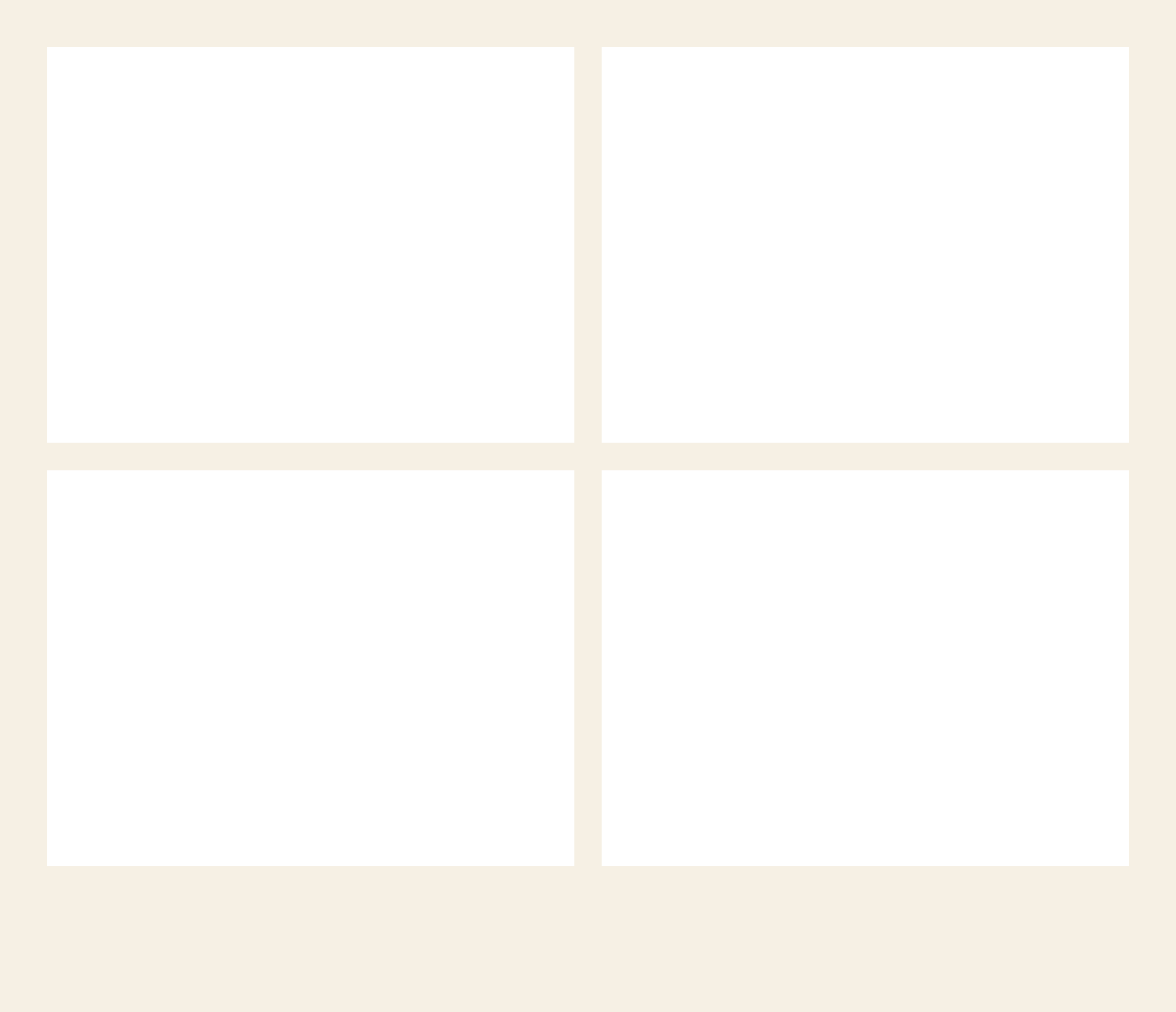
A 4 × 3.5 in card with the four shots in a 2 × 2 grid and room for a caption underneath. The one to post as a single square-ish image.
Filmstrip
6 × 1.5 in, four across. A banner for the top of a story, a group chat header or a strip along a desk.
Want the single photos as real prints instead of a strip? Each shot can go onto Instax Square film, and our size guide shows every instant film format at actual size. For single framed photos rather than a strip, use the polaroid frame maker.
Free blank photo booth strip templates
Prefer to build the strip yourself in Canva, Photoshop or Procreate? These are the same layouts as the booth with transparent photo windows, at 300 dpi. Put the template on a layer above your photos and slide each photo under its window.
In Canva: upload the PNG, add four photos, then send each photo backward (Position > Backward) until it sits behind the frame. Print the 2 × 6 strip two-up on a 4 × 6 sheet and cut down the middle. Single instant-film frames are on our polaroid template page.
Photo booth poses for four shots
The strip works because the four shots are different. A loose plan beats four identical grins. Call the next pose out loud during each countdown.
1. The normal one Look at the camera and smile. You need one you'd actually show your grandma.
2. The reaction Everyone looks at one person, or at something off-frame, with a big face: shocked, delighted, disgusted.
3. The squeeze Cheek to cheek, heads tilted in, as close as you can get. This is the shot people keep.
4. The chaos one Peace signs, tongue out, someone's hand over the lens, a fake kiss. The last frame is always the loose one.
Solo strip Front, profile, laughing at nothing, looking down. Change where your eyes go in every frame and it reads like a film contact sheet.
Couple strip Side by side; forehead to forehead; one kisses the other's cheek while they pull a face; both laughing at how the last one went.
Use the props you have Sunglasses, a hat, a mug, the dog. One prop that appears in shot two and is gone by shot four tells a tiny story.
Try the B&W filter Black and white hides a messy background and bad lighting, and makes a laptop webcam look intentional.
Online photo booth FAQ
Is this online photo booth free?
Yes. Taking the photos, adding filters and downloading the strip are free, with no signup, no watermark and no email. The small instantfilmprints.com mark on the strip is the only branding, and you can cover it with a caption.
Are my photos uploaded anywhere?
No. The camera feed, the four shots and the finished strip exist only in your browser. Nothing is sent to a server unless you choose Print these on real film, which uploads those photos to place an order. Your browser asks for camera permission the first time; the camera turns off as soon as the four shots are taken.
Can I make a photo strip from photos already on my phone?
Yes. Tap Use photos from my camera roll instead and pick up to four photos. They are cropped to the booth's 4:3 frames, so the same layouts, filters and date stamp apply.
How do I save the strip on an iPhone?
Tap Download free and the share sheet opens. Choose Save Image and the strip goes straight into your Photos app. On Android it saves to your downloads or gallery, and on a computer it downloads as a PNG.
What size are the photo strips?
The classic strip is the 2 x 6 inch photo booth size (600 x 1800 pixels at 300 dpi), so it prints at real size on a 4 x 6 sheet cut in half. The grid is a 4 x 3.5 inch card and the filmstrip is 6 x 1.5 inches. Every photo inside is a 4:3 frame, the same shape as a real booth camera.
Can I print my photo booth pictures on real instant film?
Yes. Print these on real film sends the four shots into our order page, where each one becomes a genuine Fujifilm Instax Square print. Five prints are $22 with free US shipping, so the fifth can be a copy of your favourite. We print the single photos, not the strip layout.
Want them on real film?
Your booth shots on genuine Instax film, with the real white border and the real texture. From $18, free US shipping, ships in 2 business days.